Mango Delivery


Microsoft have confirmed that Mango, the long awaited, 500 feature containing update for the Windows Phone mobile OS will be here “within the next 2 weeks” which means we’ll see it between now and October 7th!

“For months, we and dozens of our partner companies have been laying the groundwork for the Windows Phone 7.5 update—and making solid progress. As a result, we now expect to start rolling it out in the next week or two”

Some more info and advice from Eric Hautala over on the official Windows Team Blog:

“During the official Windows Phone 7.5 update process, every Windows Phone will also receive software from the handset manufacturer. This matched and paired firmware has been painstakingly tuned so your phone—and apps—work with all the new features of Windows Phone 7.5. Since your phone requires the proper firmware to function as designed, my advice is simple: steer clear of bootleg updates and homebrew tools”

image

Windows 8 so far


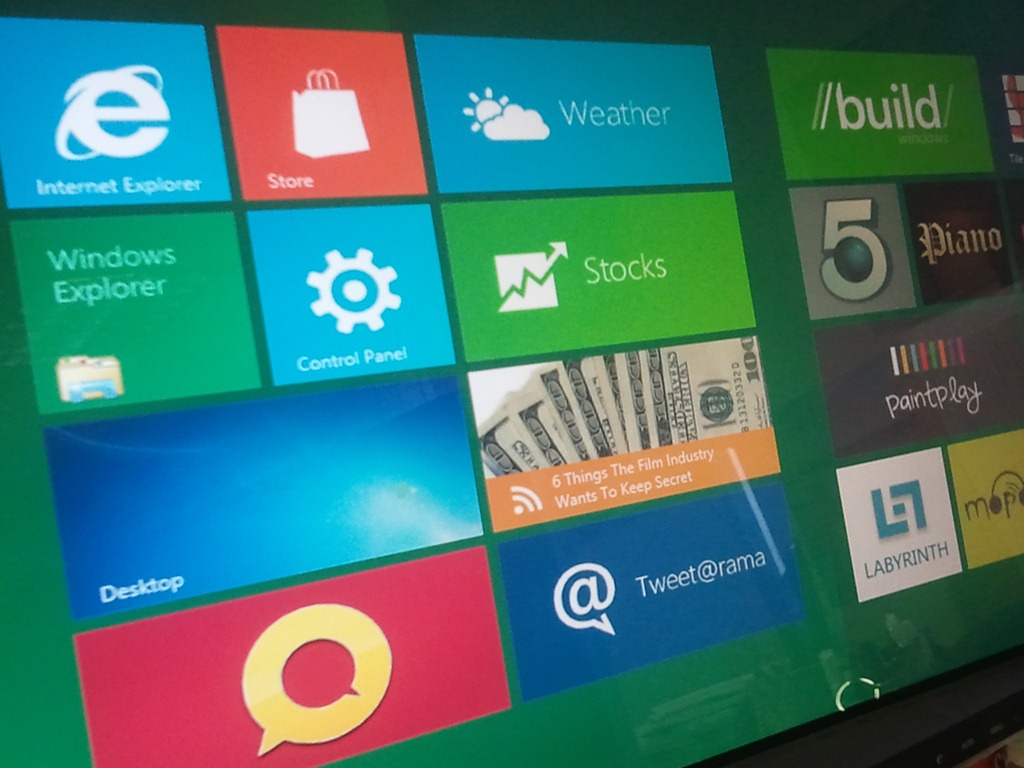
Windows 8 is out in the wild in the form of the Windows Developer Preview and it’s looking pretty awesome!

There are so many little changes as well as the more obvious big ones and my plan is to do a couple of posts covering those off but this post is a bit of a stop gap really.

I spent a good few hours trying to get it to run inside various virtual platforms and was having no luck at all. I eventually discovered (via a blog I can’t remember – sorry!) that you need to have Hardware Assisted Virtualization enabled in the BIOS of your machine for the Windows 8 Dev Preview to run inside VirtualBox!

That done I was able to step through the install process (a look at which will come soon) and boot up into Windows 8 – nice Smile I could see all the lovely tiles for the Metro apps…but clicking on them did nothing Sad smile Thanks to help from Twitter friends it was pointed out that you must have a minimum screen resolution of 1024 x 768. I upped it from the default 800×600 and boom…all the Metro apps were working.
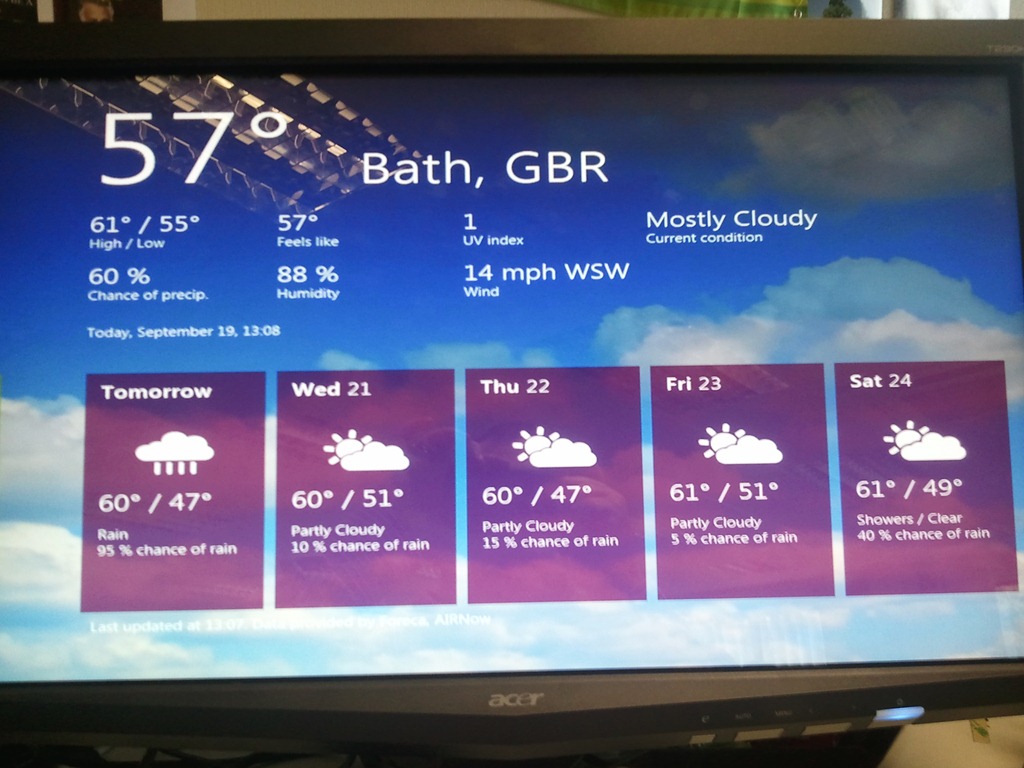
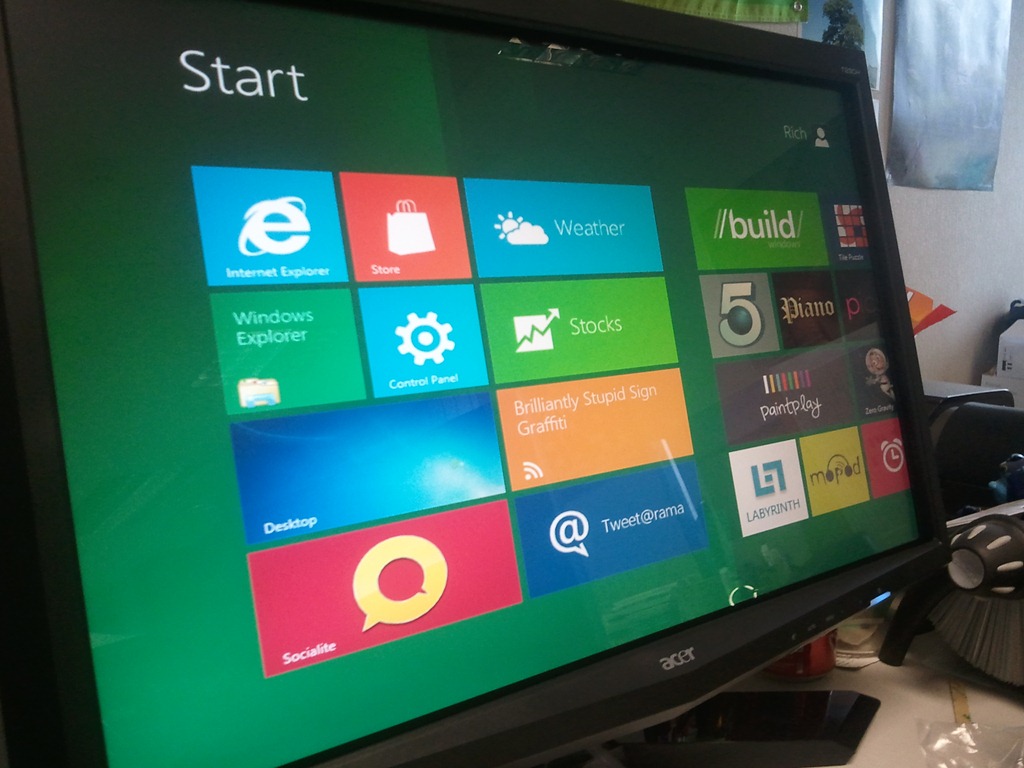
Yesterday (20/09/11) I hooked up a multi touch Acer monitor to the laptop I’d managed to procure and started to experience Windows 8 in all it’s touchy, swipy goodness…and it was great!

However, I came in this morning and the machine completed a bunch of updates. I was happy about that as I hoped that new features might be enabled but no, existing features were broken. The green background of the desktop was gone, replaced with a broken looking white – as were the backgrounds of many apps…annoying but not too bad. I turned the monitor on and was met with a “no signal” error. I unplugged all the cables and re-affixed them but to no avail and now my issue is this…having used Windows 8 with touch for a day…I now find using a mouse…especially a laptop track pad…horribly fiddly and pre-historic! Hopefully this will be resolved in a future update.

AVG respond to Windows Phone App Removal


Microsoft recently removed the AVG Anti-Virus app from the marketplace over concerns about it’s actions, and now the AV company have responded:

Yuval Ben-Itzhak from AVG says:

“I wanted to take a moment to clarify and respond to some of the questions and comments raised in social media forums.”

“AVG believes that the Windows Phone 7 OS will continue to increase in popularity and, as it does, it will become a high value target for thieves and hackers.

For this reason, we made a strategic decision to deliver a security product to this platform in its very early days – as we did with Android.  Our objective is to start Windows mobile users off on the right foot and help them create a safe and secure community.”

“We worked closely with Microsoft on the development of this product.  Our teams were trained by Microsoft and our software was provided to the company for review and certification prior to release. We did implement a number of requested changes provided to us by Microsoft.”

“All of the data we collect is used solely to offer users an exceptional security service with state-of-the-art GPS tracking.

  • We will not sell your data to anyone.
  • We do not share or otherwise disclose your data to anyone without your permission.
  • We do not mine your data for patterns.
  • We do not use your data to target ads.
  • We do not access your location data without your permission.”

He lists the features of the app as including:

  1. The Safe Web Surfing function helps protect users from social engineering attacks that are intended to drive them to take wrong decisions while online
  2. This protection engine checks the safety of a URL in case the user tries to access a malicious web site.
  3. The Safe Search function allows users searching the web to avoid malicious web sites.
  4. Our file scanning engine scans media files, mp3s, video and play lists and checks against a blacklist of bad files. This is a result of several “proof of concepts” disclosed in public.

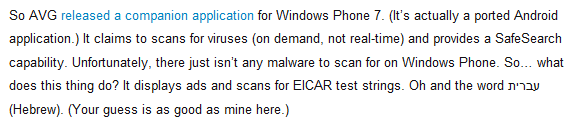
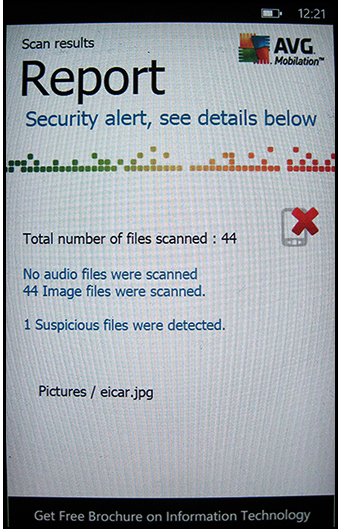
However, from everything I’ve seen online, it all it does is scan some EICAR strings and the word “Hebrew” …which seems at odds with the above?

The full post can be found here:

http://blogs.avg.com/product-news/avgs-response-community-feedback-windows-phone-7-app/

AVG Windows Phone App removed from Marketplace


Microsoft’s marketplace is steadily filling up with new apps but unfortunately, not all are awesome. This is the most high profile WP7 app removal I’ve seen (possibly the only one so far?) and perhaps surprisingly, it involves AVG. The perennial free AV makers, once the choice of IT bods the world over, recently released an Anti-Virus app for Windows Phone 7.

imageimage

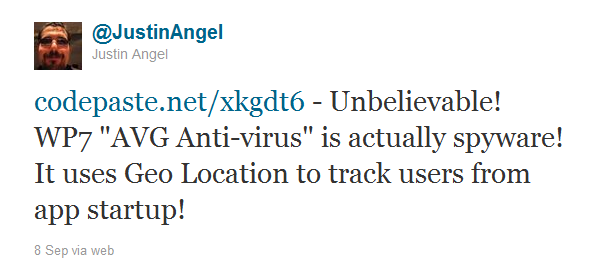
When it’s existence was first noted people such as Justin Angel & Rafael Rivera (the latter part of the Chevron WP7 jailbreak team) started to investigate it’s worthiness…and it didn’t go well for AVG!

Justin tweeted:

image

and Rafael’s blog post says this:

image

This prompted Brandon Watson, responsible for apps & developers for WP7, to investigate internally at Microsoft and then say this:

image

So it’s an anti-virus app that doesn’t actually protect from viruses, servers ads and send your location, along with unique identifiers, back to AVG…WTF?!

I’m keen to see what AVG say about this. Was it a proper corporate decision or a rogue AVG developer acting alone?

Thanks to WinRumors, Justin Angel & Rafael Rivera.

Windows 8 Boot Times


Windows 8 is shaping up to be another great Operating System release from Microsoft and now we’ve got a video showing it’s incredible boot time:

This will be amazing!

Thanks to WinRumors for the video…

Microsoft Windows 8 Metro Style Start Screen


Microsoft’s newest desktop Operating System, Windows 8, is still many months away (9 at least I’d say) but we’re seeing more and more info about what it will contain and how it will look.

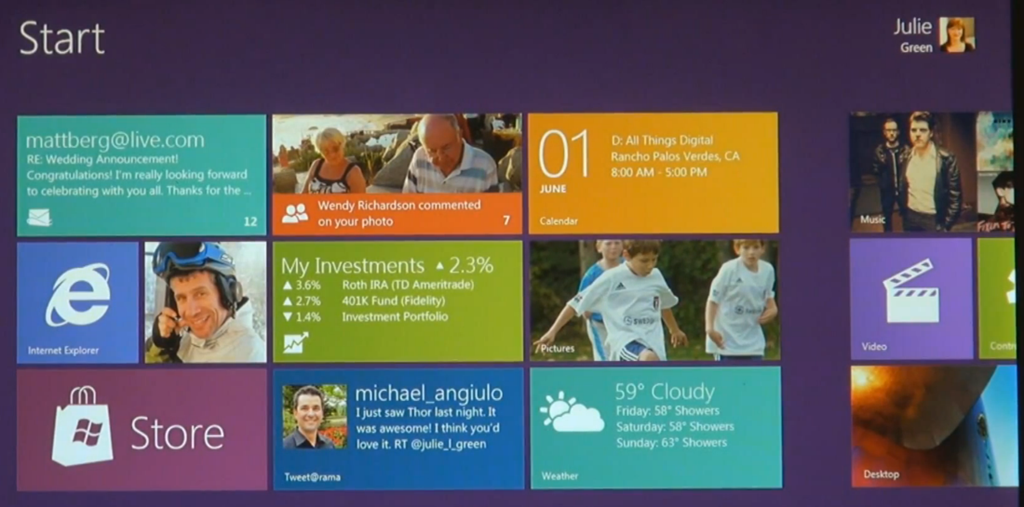
Metro is the design style introduced with Windows Phone and is now making it’s way across the Microsoft eco-system…soon to appear in the Xbox dashboard and now in Windows 8. Here you can see:

The Start Menu:

image 

Desktop Notification Balloon:

image

This obviously fits very well with the tiled start screen we’ve already seen from Windows 8:

image

I am certainly looking forward to getting my hands on the beta of this ASAP…just need a tablet so I can test it properly…hint hint Winking smile

Fantasy Football League 2011-2012 Season


For all the football/soccer fans that read this blog, I’ve set up a new Premier League Fantasy Football League for the new season – and would be honoured if you’d come and join Smile

Head over to:

http://fantasy.premierleague.com

and sign in/register.

Then go to “Leagues” in the top bar:

image

“Join a League”:

image

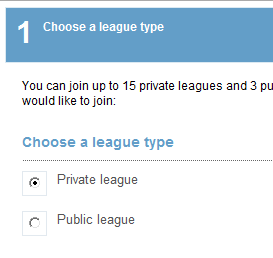
Choose “Private League”:

image

Hit next and it asks for a code:

image

Enter the code – 280698-83455

and away you go!

Windows Phone 7 can’t access Marketplace


I came across an odd issue with Windows Phone 7 yesterday. The device, an HTC HD7, just could NOT access the Marketplace in any way…updates failed, new apps couldn’t be downloaded etc. The error it gave was:

“The Windows Live ID service is unavailable”

I checked various settings but everything seemed in order. Wifi & 3G were working, the marketplace worked on other WP7 devices, Hotmail still worked on the phone etc so I was at a loss.

After some head scratching, a solution was reached – which I’d like to share with you all just in case it crops up.

Go into Office and OneNote.

Select “All”.

Hit the “Sync” button on the bottom bar.

That will bring up a username/password prompt for the Live ID used with the device.

Even though the fields will be pre-populated (probably), re-type the password just to be sure.

Hit “ok” and BOOM – you’ll have access to the Marketplace Smile

I don’t really understand what the issue is to be honest. I could understand if ALL things that used your Live ID failed but the fact that Hotmail still worked seems odd.

If you’ve got any ideas as to the potential cause – let me know!

Cheers

Rich