
Microsoft Power Automate Premium (and more licensing changes)


Microsoft Inspire saw a range of announcements about Power Automate licensing and a little bit of Power Apps too.

Power Automate Premium

From August 1st, 2023, the “Power Automate Attended RPA per user” license will become “Power Automate Premium” and will include:

both unlimited cloud flows, known as digital process automation (DPA), and unlimited desktop flows, known as robotic process automation (RPA) in attended mode as well as entitlements to Power Automate Process Mining

This new license is going to be $15 per user per month while the current price for Power Automate Attended RPA per user is $40 per user per month…a 62.5% reduction!

You can learn more about Process Mining here.

Power Automate Process Mining Add-on

Available as an add-on to the Power Automate Premium license, this will cost $5,000 per tenant per month for 100GB of additional Process Mining data storage.

Power Automate Process

A new license that gives access to an automation bot “which can be used for unattended desktop automation (RPA), or to run an organization-wide cloud-flow based process that needs to be accessed by unlimited users in an organization“.

Power Apps Premium

The “Power Apps per User” license is being renamed to “Power Apps Premium“.

See the Microsoft post here.

Shoutout to Tony Brooks on LinkedIn for re-highlighting Microsoft’s post 🙂
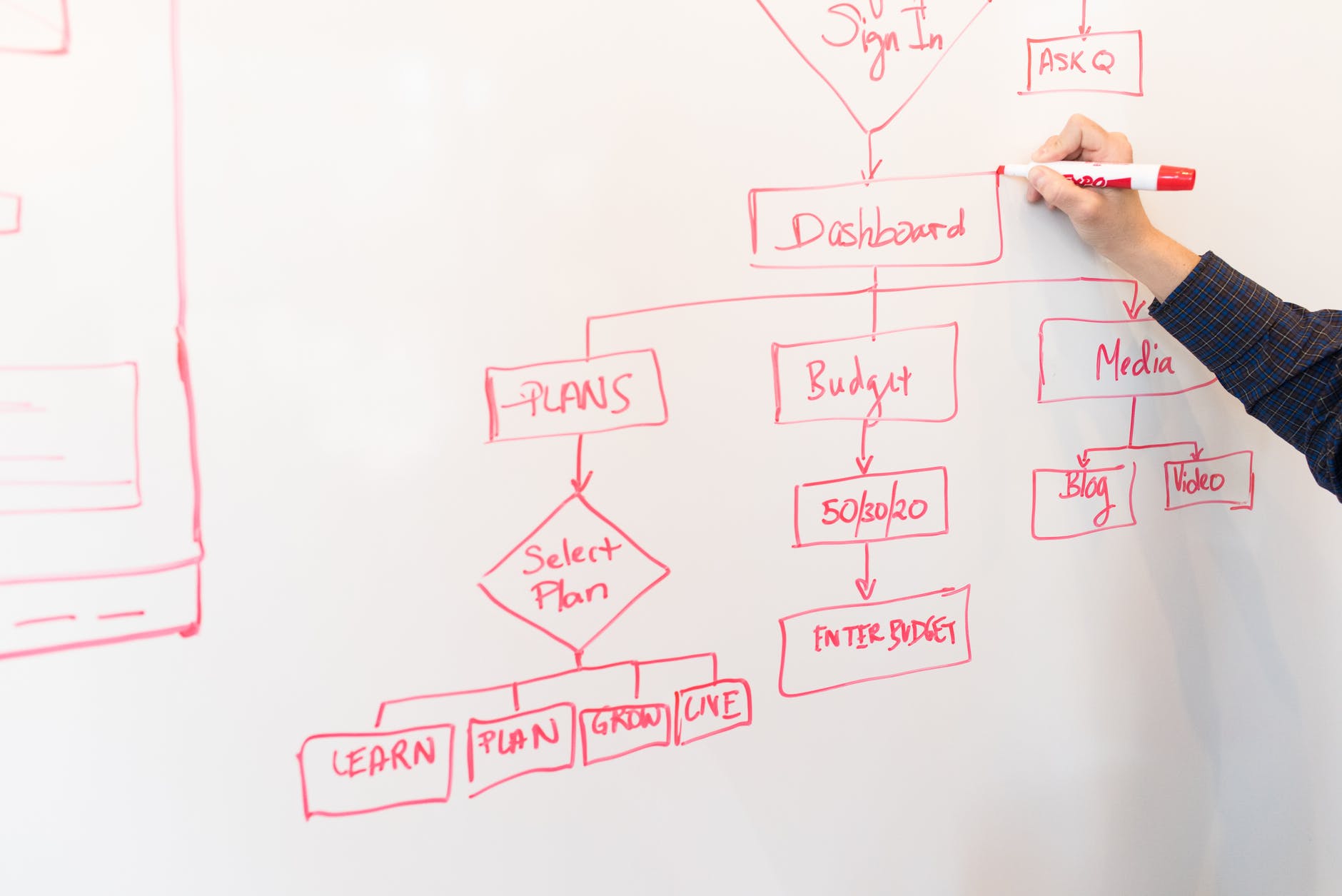
Microsoft Power Automate Pay As You Go


Photo by Christina Morillo on Pexels.com

Microsoft have announced that Power Platform is the latest product to get a Pay As You Go (PAYG) licensing option, following PowerApps and Dataverse.

How does it work?

You link your Power Automate environment to Azure, and different teams/parts of the business can use their own Azure subscriptions to pay for Flows that run.

Pricing

Cloud Flows

$0.60 per cloud flow run

Desktop Flows (Attended)

$.060 per attended desktop flow run

Desktop Flows (Unattended)

$3.00 per unattended flow run

Pricing rules

Charges won’t apply when you’re testing them in the designer or resubmitting failed flows. Also, “child flows” won’t incur additional charges for cloud/attended flows…but both parent and child flows will be charged for unattended flows.

Flow runs triggered by “per user” licensed users won’t incur costs – as long as the usage is within their license terms. However, if they use features outside of their license i.e. if someone licensed with “Power Automate per User” runs an “attended RPA” flow, that will be charged as their license doesn’t cover attended RPA usage.

Conclusion

As with PowerApps, this lowers the barrier of upfront payment which will – Microsoft hope – make more organisations willing to take the plunge into Power Platform. With 25 million Monthly Active Users (MAU) at the moment, it’s doing well but there’s a lot of growth potential out there for sure.

I think organisations should be cautious with how they adopt this model, as I can foresee it becoming difficult to properly monitor and manage costs and usage further down the line.

Check out some of the Microsoft pages here:

Announcement

Set up a PAYG plan

Pricing

PAYG meters