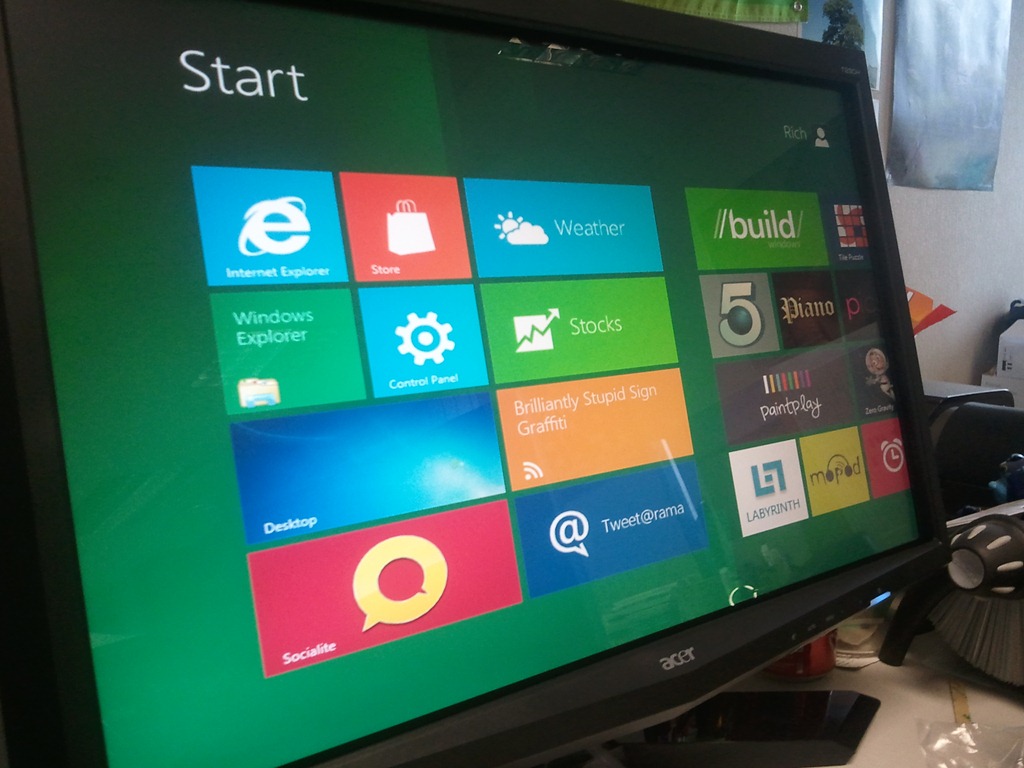
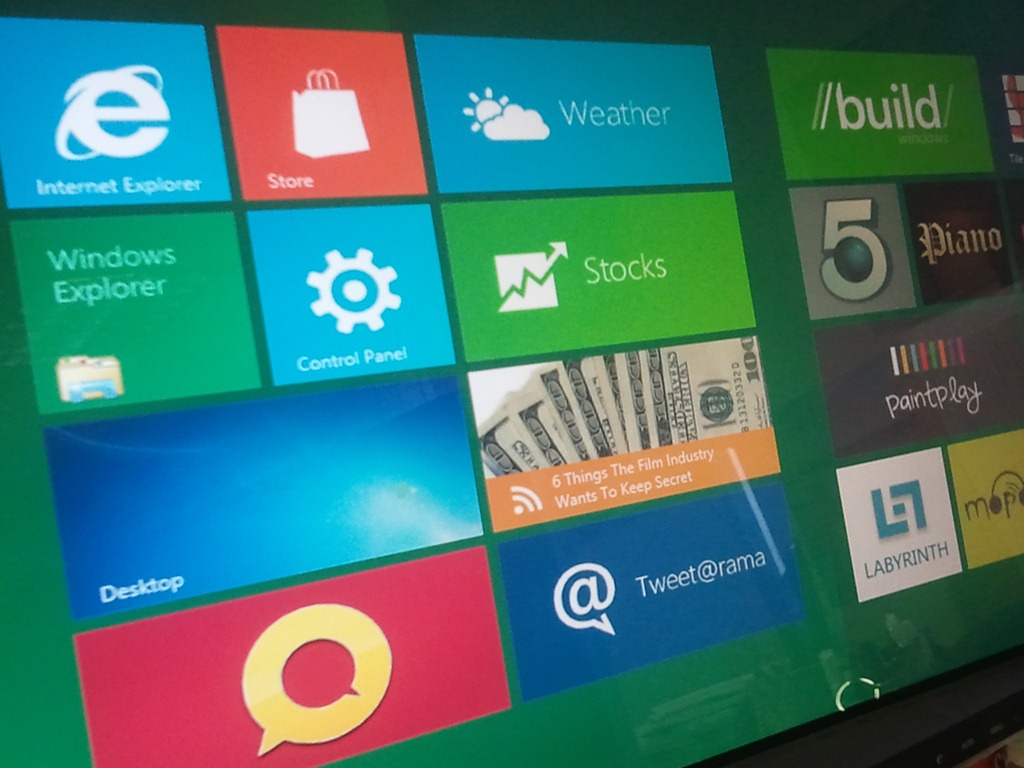
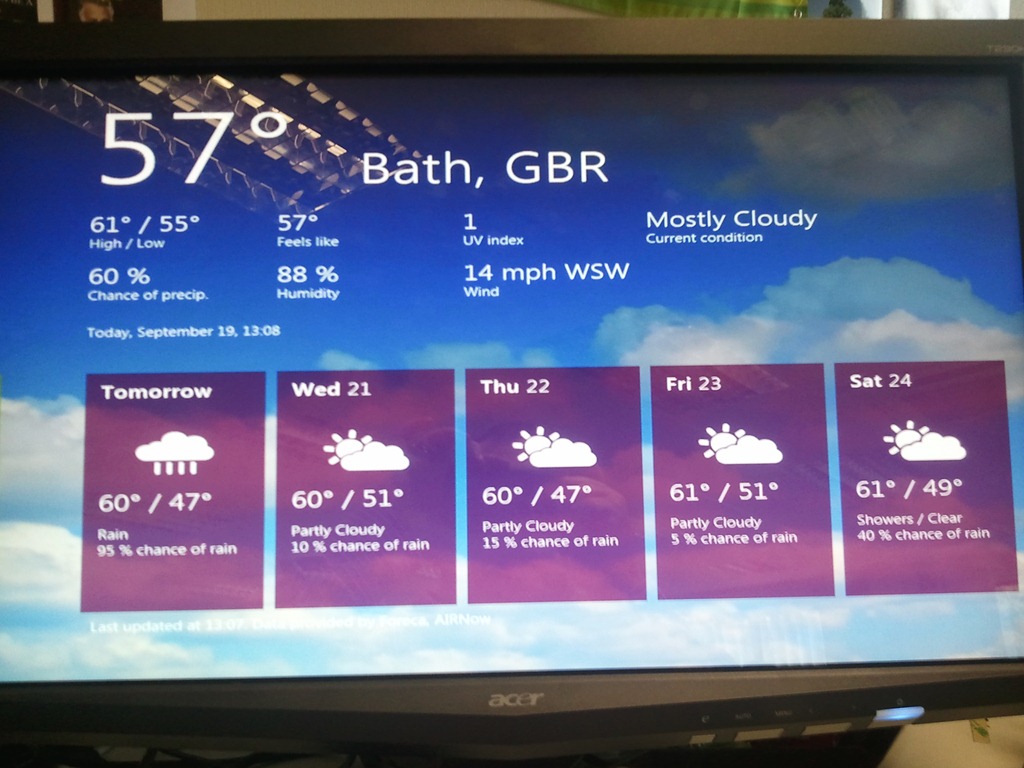
Just a few images of Windows 8 that I’ve got to hand…

Cloudy with a chance of Licensing
Latest news on Microsoft licensing, Cloud, and AI
Just a few images of Windows 8 that I’ve got to hand…
Windows 8 is out in the wild in the form of the Windows Developer Preview and it’s looking pretty awesome!
There are so many little changes as well as the more obvious big ones and my plan is to do a couple of posts covering those off but this post is a bit of a stop gap really.
I spent a good few hours trying to get it to run inside various virtual platforms and was having no luck at all. I eventually discovered (via a blog I can’t remember – sorry!) that you need to have Hardware Assisted Virtualization enabled in the BIOS of your machine for the Windows 8 Dev Preview to run inside VirtualBox!
That done I was able to step through the install process (a look at which will come soon) and boot up into Windows 8 – nice  I could see all the lovely tiles for the Metro apps…but clicking on them did nothing
  Thanks to help from Twitter friends it was pointed out that you must have a minimum screen resolution of 1024 x 768. I upped it from the default 800×600 and boom…all the Metro apps were working.
Yesterday (20/09/11) I hooked up a multi touch Acer monitor to the laptop I’d managed to procure and started to experience Windows 8 in all it’s touchy, swipy goodness…and it was great!
However, I came in this morning and the machine completed a bunch of updates. I was happy about that as I hoped that new features might be enabled but no, existing features were broken. The green background of the desktop was gone, replaced with a broken looking white – as were the backgrounds of many apps…annoying but not too bad. I turned the monitor on and was met with a “no signal” error. I unplugged all the cables and re-affixed them but to no avail and now my issue is this…having used Windows 8 with touch for a day…I now find using a mouse…especially a laptop track pad…horribly fiddly and pre-historic! Hopefully this will be resolved in a future update.
Windows 8 is shaping up to be another great Operating System release from Microsoft and now we’ve got a video showing it’s incredible boot time:
This will be amazing!
Thanks to WinRumors for the video…
Microsoft’s newest desktop Operating System, Windows 8, is still many months away (9 at least I’d say) but we’re seeing more and more info about what it will contain and how it will look.
Metro is the design style introduced with Windows Phone and is now making it’s way across the Microsoft eco-system…soon to appear in the Xbox dashboard and now in Windows 8. Here you can see:
The Start Menu:

Desktop Notification Balloon:

This obviously fits very well with the tiled start screen we’ve already seen from Windows 8:
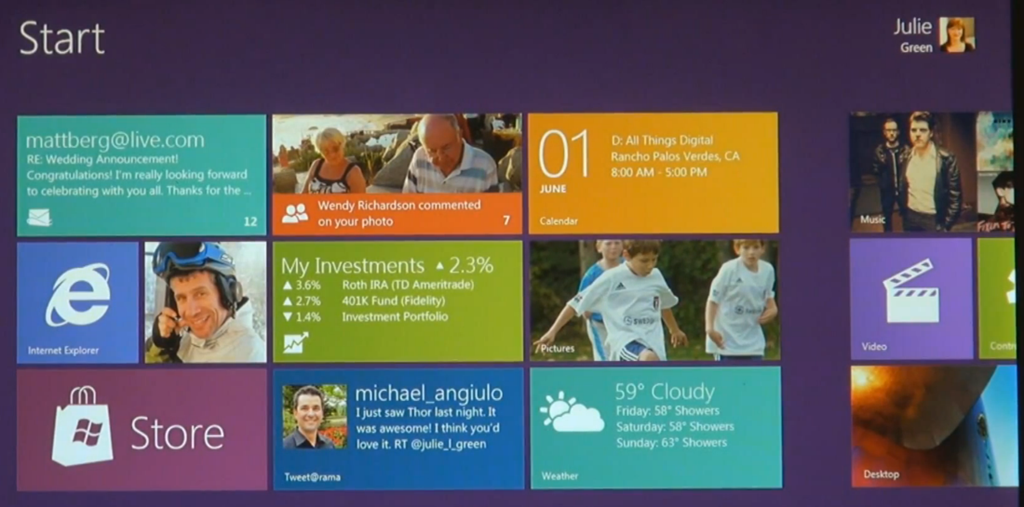
I am certainly looking forward to getting my hands on the beta of this ASAP…just need a tablet so I can test it properly…hint hint 
Microsoft Windows 8 has been officially demoed and it looks pretty great, with it’s Windows Phone 7 inspired tile interface.
There are other new features being discovered by people who have the leaked pre beta builds and one of them is pretty great:
Windows 8 Center have got a screen shot which shows this:


This would be a brilliant addition. All my main machines have got Magic Disc & Magic ISO on them simply so I can mount ISO’s as and when needed. However it’s really annoying when you get a new machine and/or you’re working on someone else’s machine…you go to mount an ISO..BOOM – no can do, so you’ve got to go and download/install them. This new addition will save quite a lot of time across the IT Industry I would imagine 
This will also be cool, again saving users from one extra download and extra bit of 3rd party software on their machine.
On paper, SkyDrive is awesome. 25GB of storage that you can access pretty much wherever and use either for personal storage alone or also to share things such as datasheets, documents etc with friends, clients, partners and more.
In practice, it’s quite difficult to use…fiddly, hard to find, not quite as easy to get things into/out of as you thought.
Integrating it straight into Windows 8 will see a massive rise in the use of Microsoft’s online storage, and will make the tablet piece even more compelling as users will have a built in, free, easy to use way of sharing/syncing quite a lot of “stuff” available immediately.
Although we’re all caught up in the buzz waiting for Windows 7 to be released, MS have started looking forward to Windows 8!
A job posting highlighted by CodeName Windows is looking for someone to work on Distributed File System Replication (DSFR) technology for Windows 8:
“For the upcoming version of Windows, new critical features are being worked on including cluster support and support for one way replication. The core engine is also being reworked to provide dramatic performance improvements. We will also soon be starting major improvements for Windows 8 where we will be including innovative features which will revolutionize file access in branch offices.””
That last point shows that the advanced made in Windows 7 and Win Svr 2008 R2 with Branch Cache are only the beginning of Microsoft’s plans to help companies with satellite offices.
Windows Server 2011 (as I imagine it will be) gets in on the action too:
In Windows Server 2008 R2 release, the Server UX Test team (under the File Server Management organization) is finalizing the MMC [Microsoft Management Console] based User eXperience (UX)/Interfaces for the File Server Role. Currently the team owns DFS [Distributed File System] Management, Share and Storage Management, FSRM [File Server Resource Manager] & Classification UI, Disk Management, SMFS. For Windows 8, the SSD organization is working on the next version of the file server.
“As the team moved to Windows 8, you will have 2 main responsibilities – (i) put on the customer/design critique hat as we plan our next version file server management experience (i) participating in the architectural design, and development and driving automated testing for managing the next generation file server. Our current automation does not meet the multi-machine paradigm requirement and so you will contribute significantly in the development of test automation to validate setup/configuration of the new server, managing configuration changes, performing diagnostics and reporting using Power Shell, Command line, Object Model, UI.”
Thanks to Mary Jo for the job descriptions.
I know some people will think it’s weird that MS are working on another version of Windows while the newest version hasn’t been released yet, but that’s teh best way to ensure that the UX (User Experience) is very similar between the two aswell as keeping to the 3 year timeline.
I’m very excited for Windows 7 but I can’t help wondering what awesome features will be in Windows 8…any ideas?! 🙂
 Cloudy with a chance of Licensing